


Create your own coupon offer
After you start Coupons section, it will open a window divided in two parts. The first part is the option for independent creation of coupons for printing. On the other part of the window, there are already created files prepared for printing.
For previously selected offer, application will generate current odds and get them prepared in proper form for printing.
Coupon creator application is separated in three subcategories:
Predefined Coupons
Single football matches
Custom Coupons
1. Predefined coupons
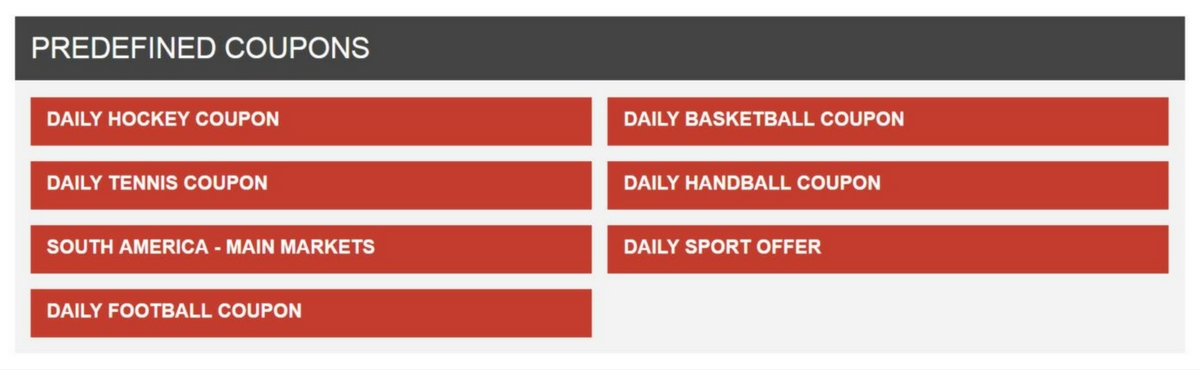
In category predefined coupons, there are files already prepared for printing. Under the daily coupons, offer is split by sport and grouped by matches from the most popular leagues and game types for goals. Coupon can be seen by pressing proper button for chosen file.
To be able to print the coupon, it’s mandatory to press Print button, which is in the upper right corner of file. Same action can be triggered by pressing CTRL + P on your keyboard. After confirmation, the file will be printed.
2. Single football matches
This part of the application can be used for creating coupons with one or more matches of your choice. First, choose a league from the drop down menu, after that you can select individual matches.
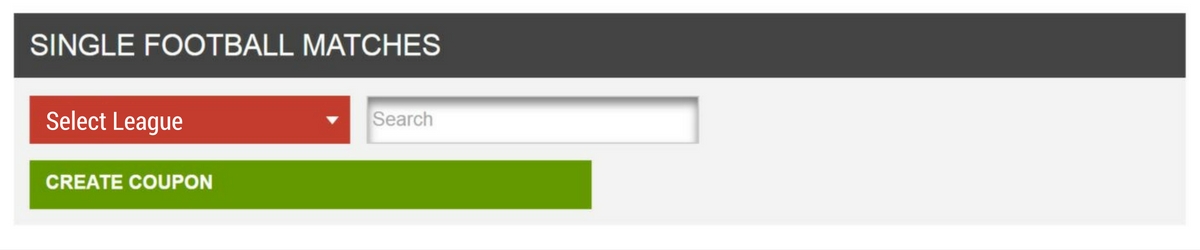
Number of matches you like to add to your file is not limited, and file will have as many pages as you previously chose matches. After selecting the matches, it is necessary to press a button to create the coupon, and then press Print (or CTRL + P) for the file to be printed.
3. Custom Coupons
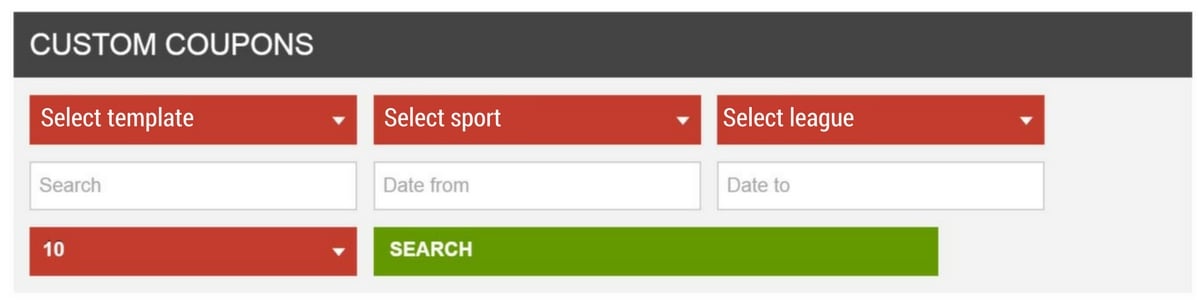
Here you have the possibility to create coupon by applying much more filters. You need to choose sport, league and date, after that click Search and you will get all events that are relevant to your query.
Next to every event or match, Add to coupon option will show up. While choosing matches, there is possibility to choose game types you specifically want at your coupon. After you chose game types, you can create your custom coupon.
Coupons PDF
In Coupons PDF section, you can find all previously created files and coupons with complete offer ready for the print.